Private Writing Assistant is here for Safari on the Mac

Private Writing Assistant
Check grammar and rewrite text with AI that runs on your device. Free.
 Add to Chrome
 Add to Safari
Until today, using Private Writing Assistant meant opening Chrome. Plenty of Mac users never do: Safari is already in the Dock, already holds their passwords, already is where they write their mail. With version 1.4.4, the extension comes to them.
In short
Private Writing Assistant now works in Safari on Macs with Apple silicon. A free Mac app comes with the extension and runs an open-source AI model on your computer, so your writing is checked and rewritten without being sent to us or anyone else. Download it from privatetext.ai, open the app once and turn the extension on in Safari's settings.
Everything you know from Chrome, now in Safari
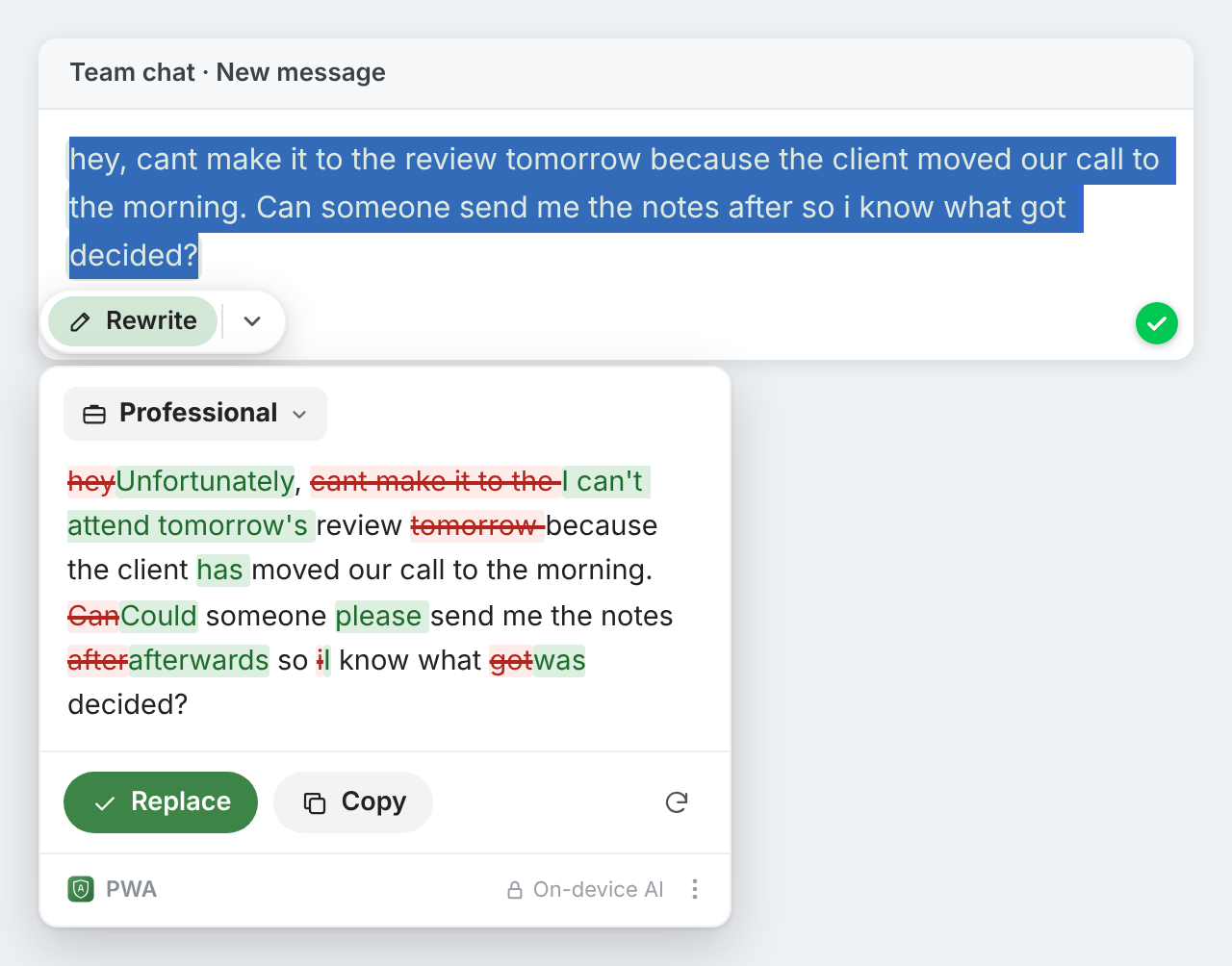
The Safari version is the same extension, not a cut-down copy. Spelling and grammar mistakes are underlined as you type, in 101 languages. Select a sentence and the button next to it offers Rewrite in nine styles, Translate, Ask AI, Explain it and Summarize. Click into an empty text box and you can write a first draft from a short request.
A small Mac app does the thinking
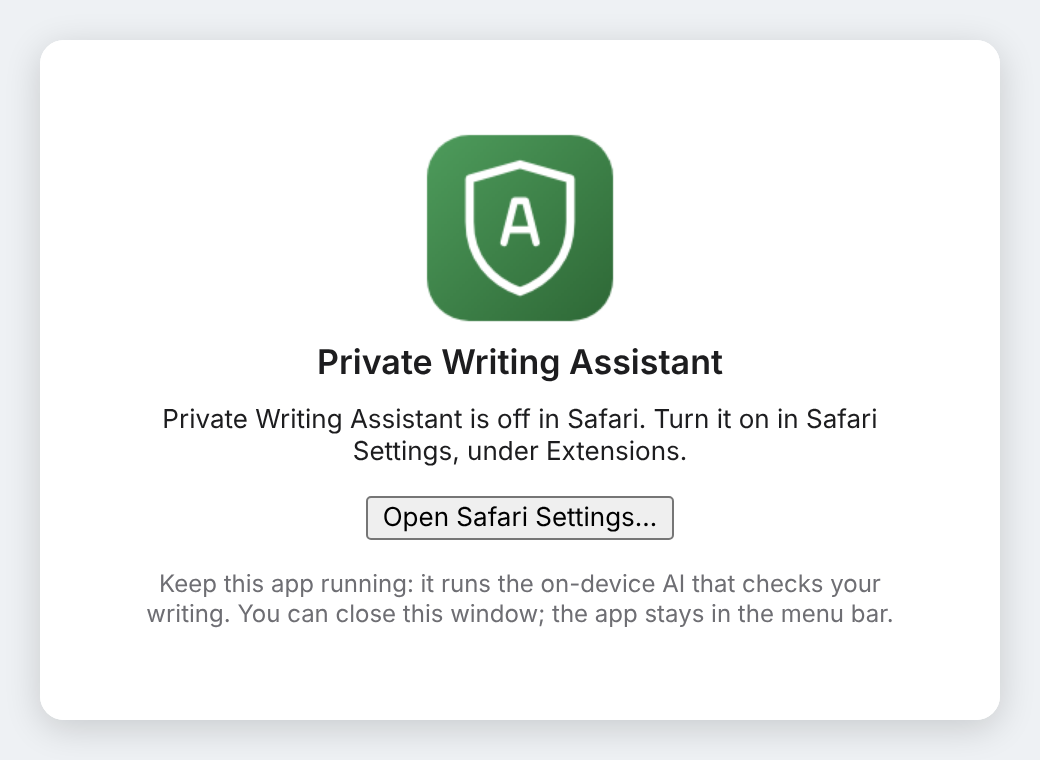
Chrome comes with its own AI model. Safari doesn't, so the extension brings one: a free Mac app that downloads an open-source AI model once and runs it on your Mac. The app sits in the menu bar as a small shield, starts with your Mac and needs no attention. While the model loads, the shield is dimmed.
Its menu lets you choose between a faster model, a download of about 1.3 GB, and a more careful one of about 3 GB. Both work offline once they are downloaded.
Install and turn it on in five steps
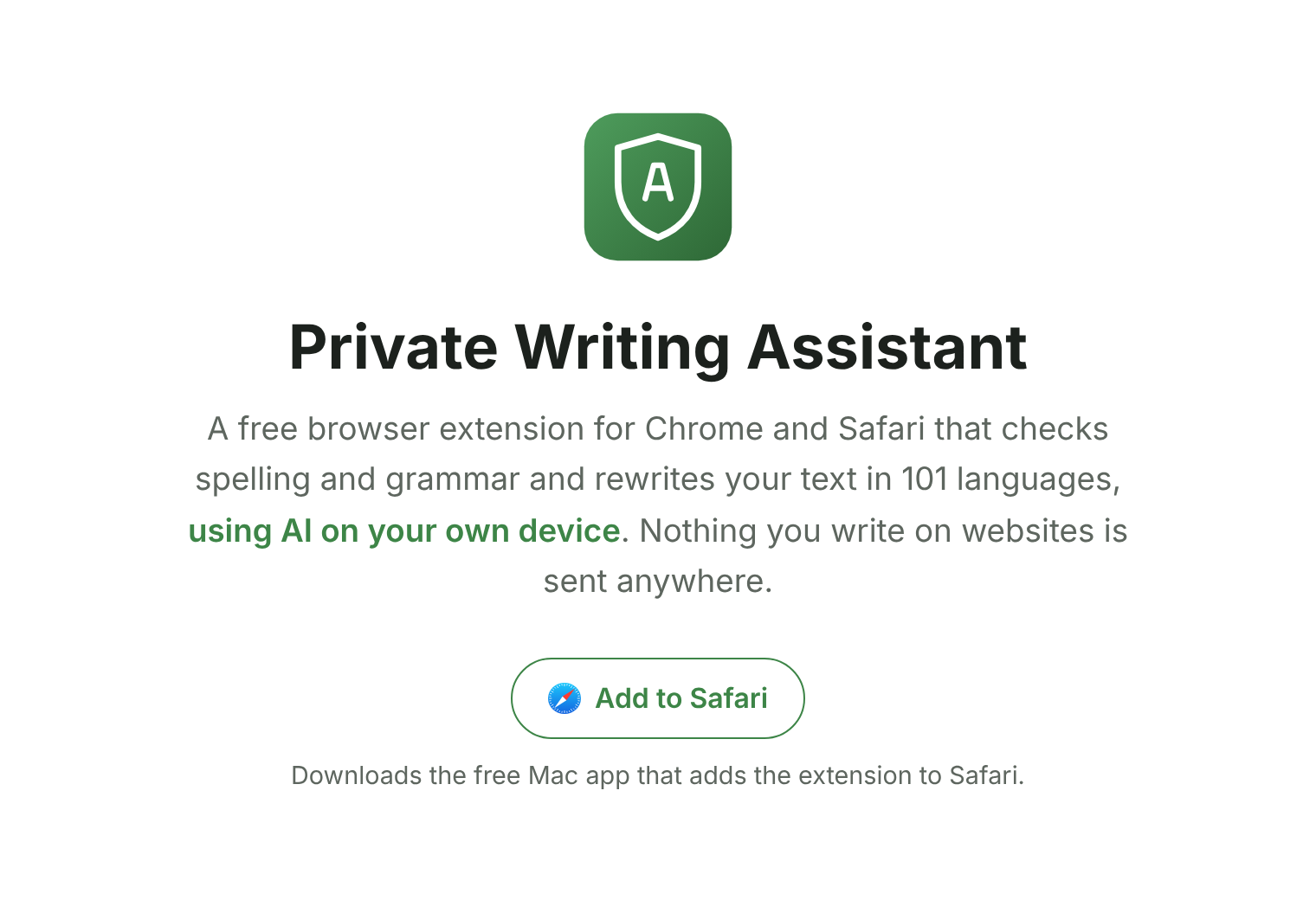
- In Safari, open privatetext.ai and click Add to Safari. It downloads the free app as a disk image, Private-Writing-Assistant.dmg.
- Open the disk image and drag Private Writing Assistant into Applications. If you open the app straight from the disk image, it offers to move itself there.
- Open the app from Applications. The shield appears in the menu bar and the AI model starts downloading.
- Turn the extension on: in Safari, choose Safari › Settings › Extensions and tick Private Writing Assistant. The app's Open Safari Settings… button takes you straight there.
- Let it work on web pages: click its icon in Safari's toolbar and allow it on every website. Safari asks this for every extension that reads what you type on a page.
That's it. Once the shield in the menu bar is no longer dimmed, click into any text box on a web page and start writing.
What your Mac needs
- A Mac with Apple silicon, M1 or newer
- macOS 13 or newer and Safari 18.4 or newer
- About 2 GB of free disk space, or 4 GB for the more careful model
- An internet connection only for the one-time model download
Macs with an Intel processor, iPhone and iPad can't run it yet. The requirements page shows how to check your Mac.
Your writing stays on your Mac
In Chrome, Private Writing Assistant uses Chrome Built-in AI. In Safari, the app's open-source model does the same job, and it also runs on your own computer: the extension hands your text to the app on your Mac and gets the answer back from it. Your text is never sent to us or to any third party, such as an AI service. There's no account to sign up for, so we don't know who you are. Usage stats, which you can switch off in the settings, count things like which features you use and in which browser, never what you write. How it works explains it in full.
Writing on a Mac in Safari? Get the free app from privatetext.ai, open it once and switch the extension on.