
Private Writing Assistant
A free AI writing assistant for Chrome and Safari that runs on your own device. Fix mistakes, rewrite, draft replies, translate and understand any text, in 101 languages. Nothing you write on websites is sent anywhere.
 Add to Chrome
 Add to Edge
 Add to Brave
 Add to Opera
 Add to Vivaldi
 Download for Mac
 Get it from Microsoft Store
Free app for macOS 11 or newer. Works in every app, Safari included.
Free app for Windows 10 or newer. Runs the AI model when your browser can't.
Can't use the Microsoft Store? Download directly
Installs from the Chrome Web Store.
- No account
- No cloud AI
- Free
Private by design
Most AI writing tools send your text to their servers. This one brings the AI to your computer instead.
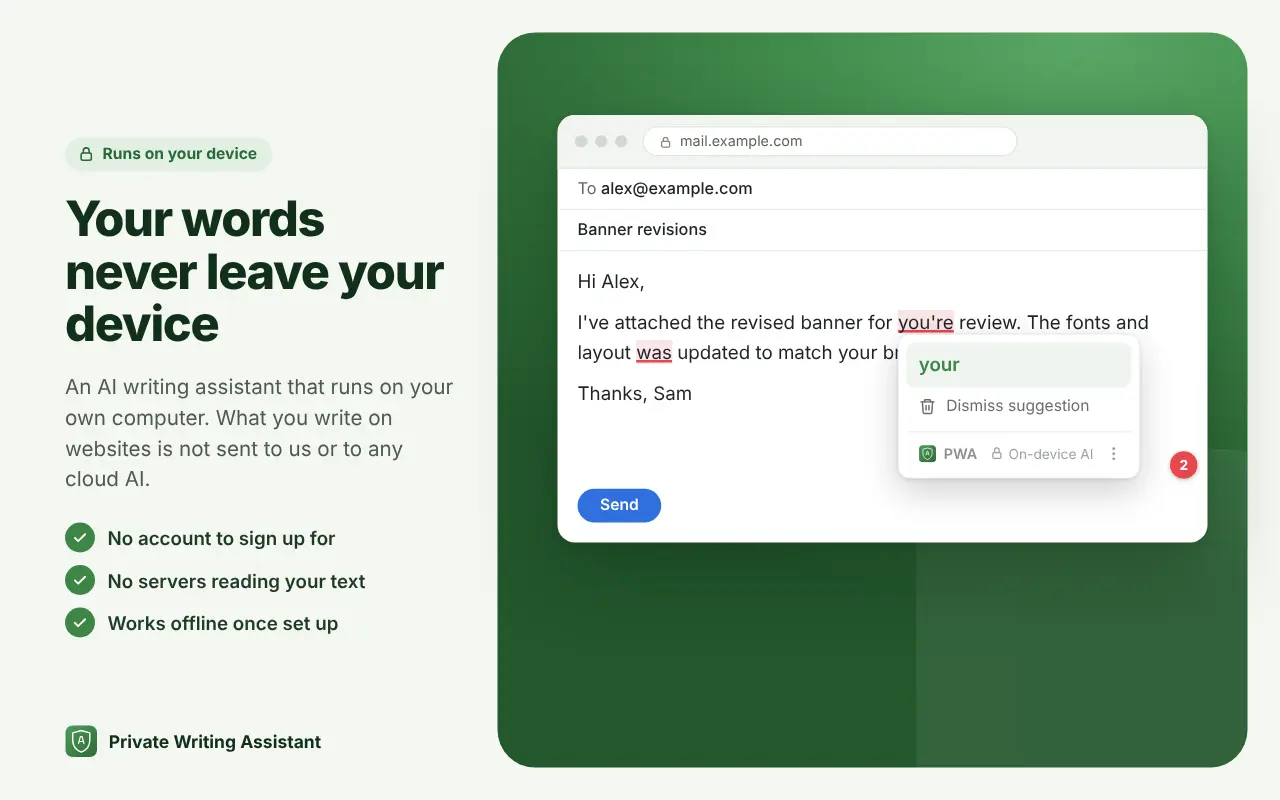
Your text stays on your device
Every check, rewrite, draft and translation is made by an AI model on your own computer. What you write on websites is not sent to us or to any cloud AI.
No account, nothing to leak
There is nothing to sign up for, and no server stores your writing, so there is nothing that could be leaked, sold or used to train a model.
Usage stats, never your words
Usage stats with a random ID show which features are used. They never include what you write, and you can switch them off in settings.
One assistant for everything you write and read
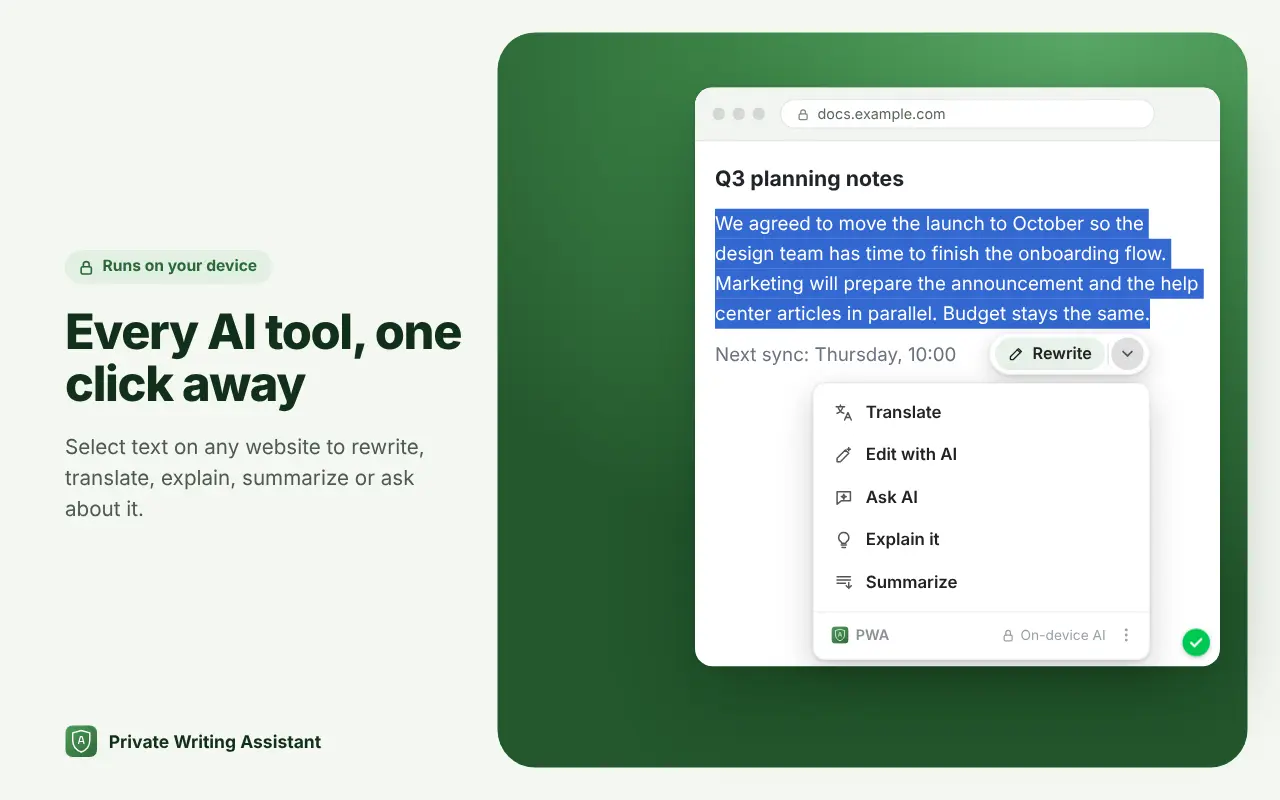
Select text, or click into an empty field: the tools you need appear right there, on any website.
Write better
Fix mistakes
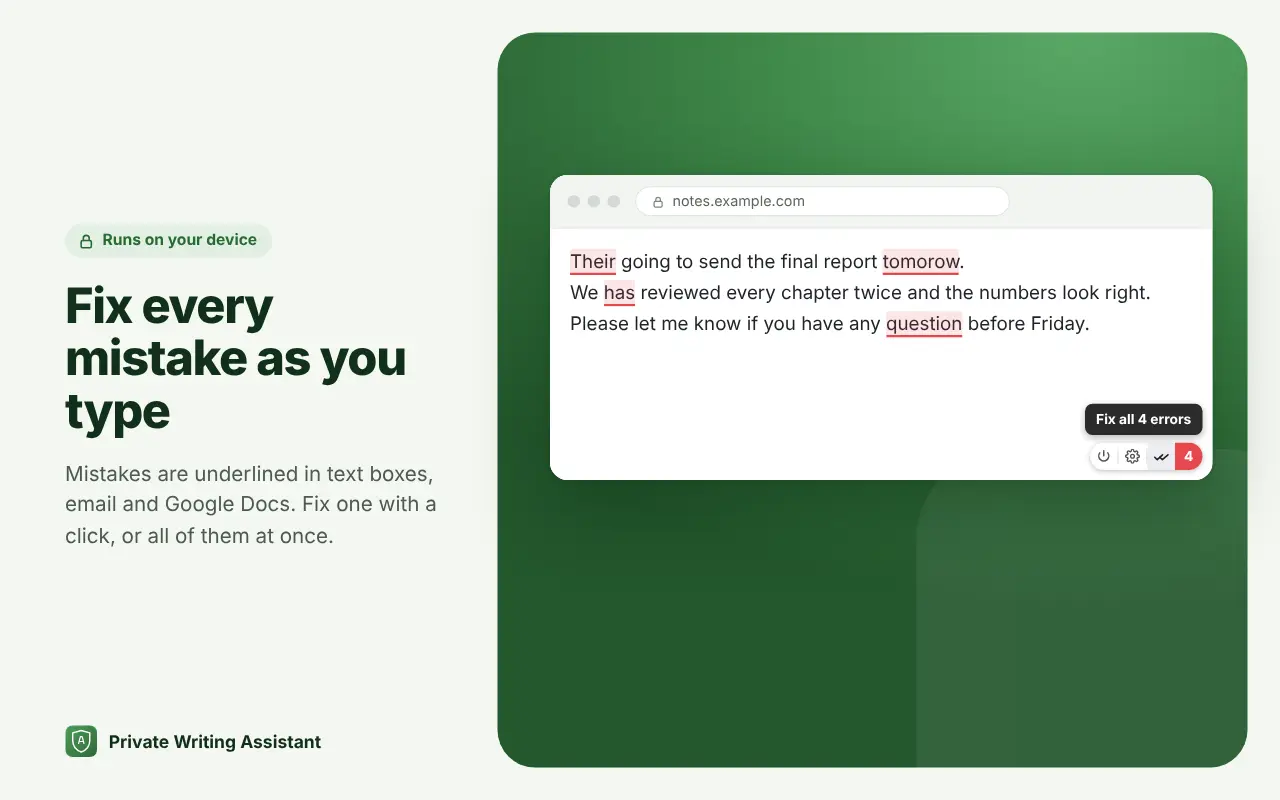
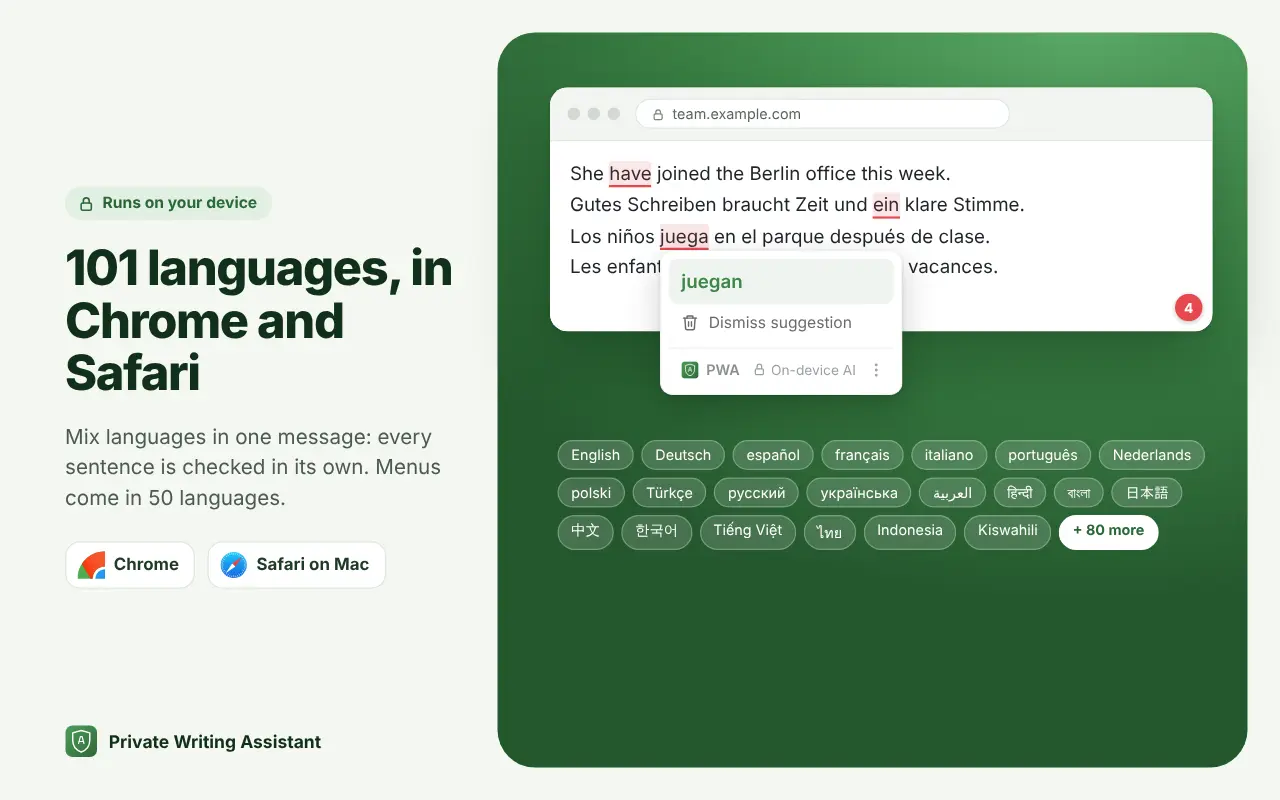
Spelling and grammar mistakes are underlined as you type. Fix one with a click, or all of them at once.
Rewrite
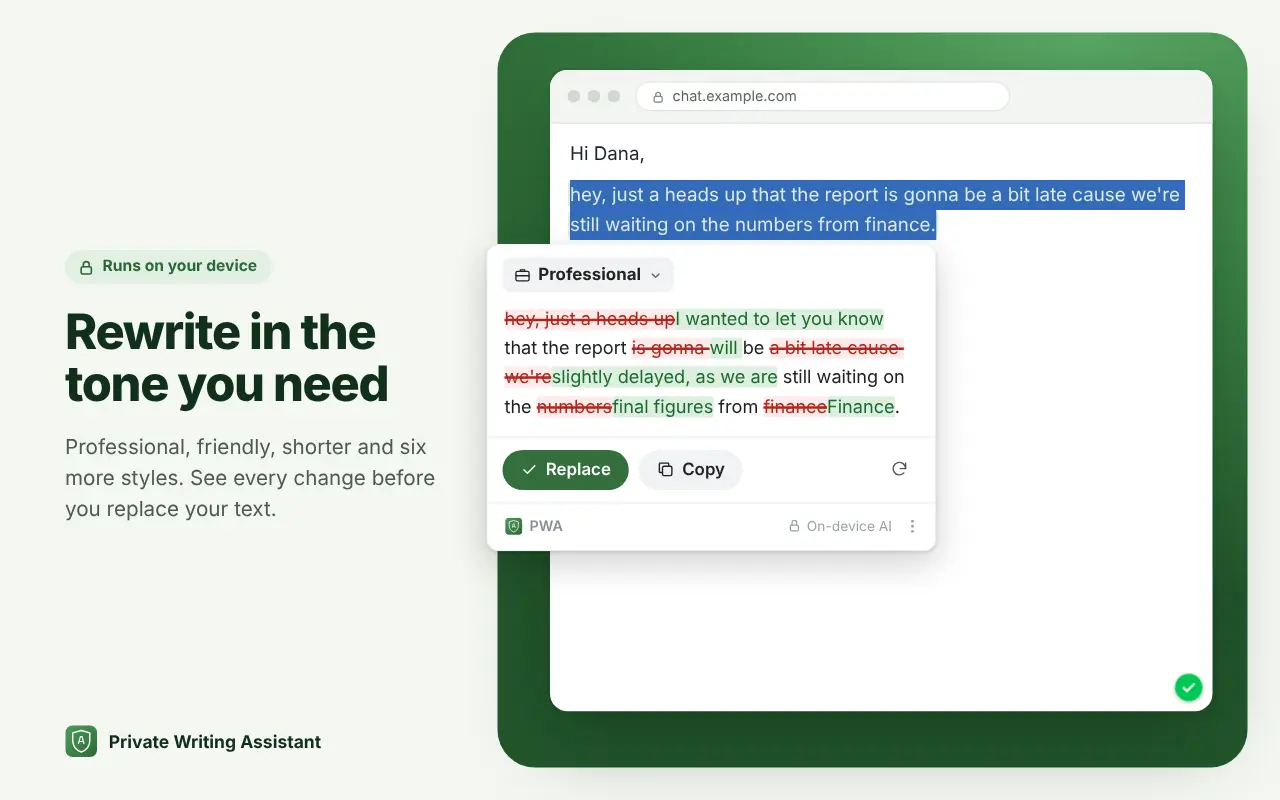
Nine styles, from Professional to Shorter. See every change before you replace your text.
Edit with AI
Say what you want, like “make it a to-do list”, and the selected text changes.
Improve prompt
On AI chat sites, turn a quick prompt into a clear one with one click.
Write faster
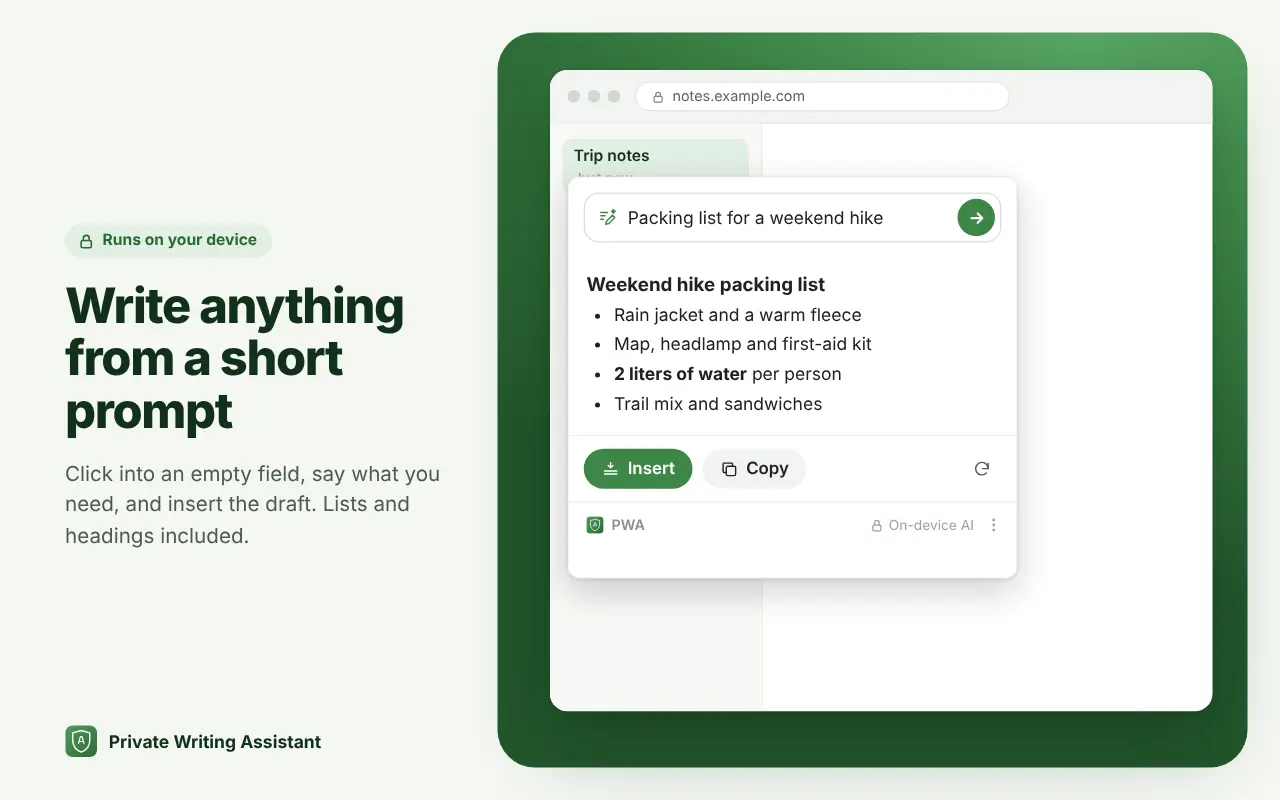
Write with a prompt
Click into an empty field, describe what you need and insert the draft.
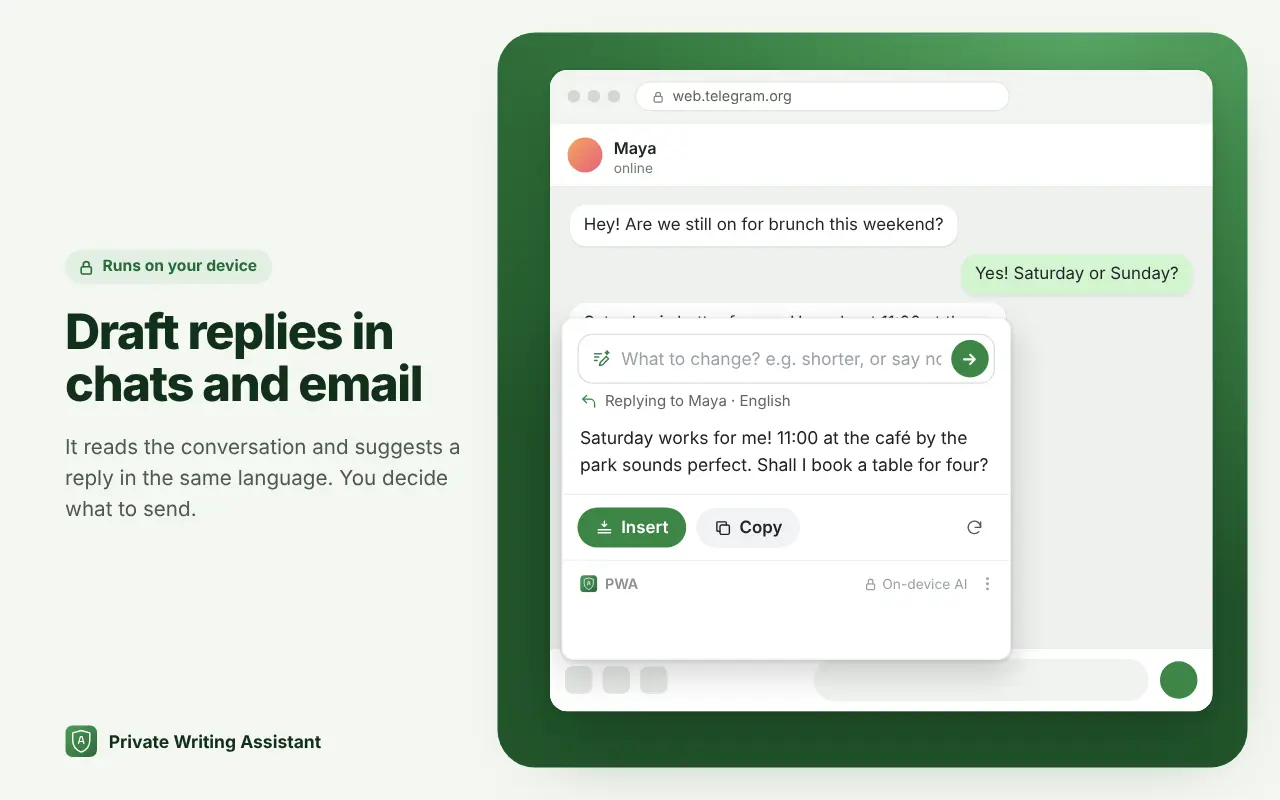
Draft a reply
In chats and email, get a reply that fits the conversation, in its language.
Dictate
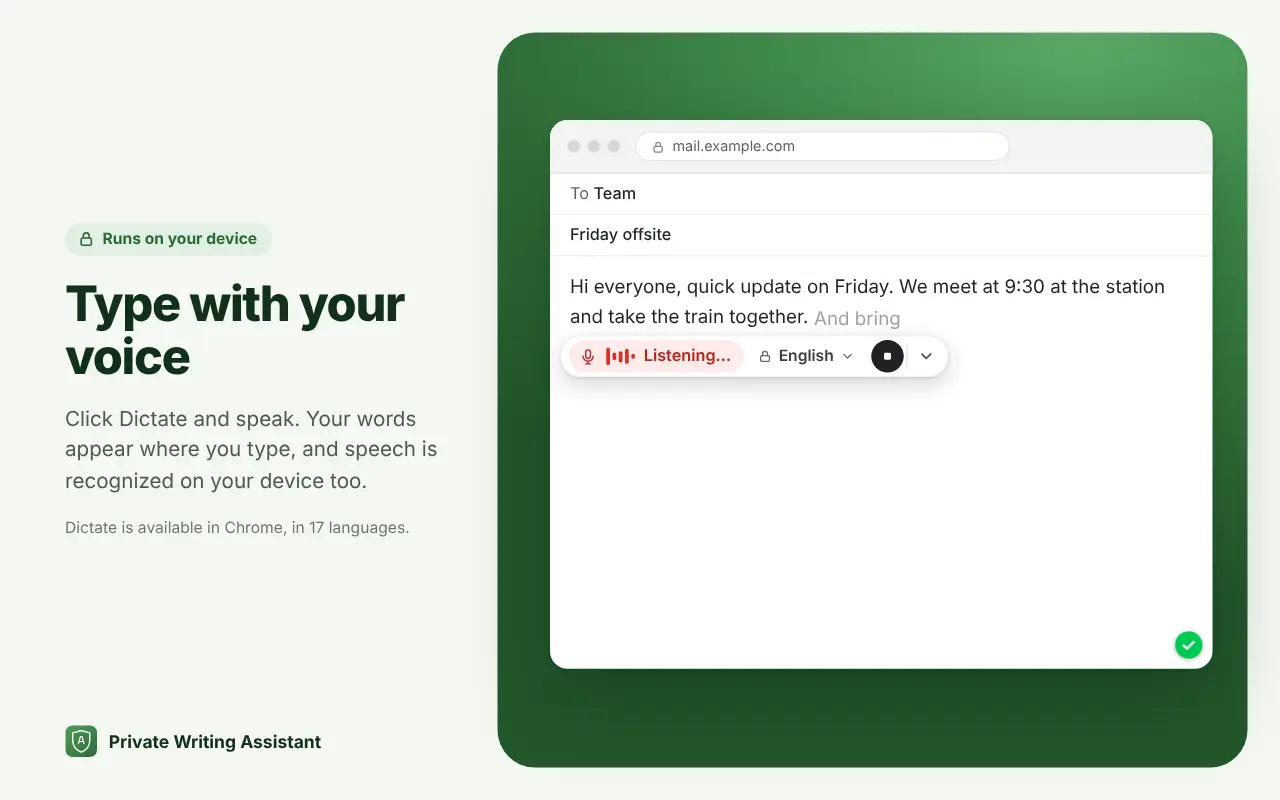
Speak, and your words appear where you type. Speech is recognized on your device too. In Chrome, 17 languages.
Understand
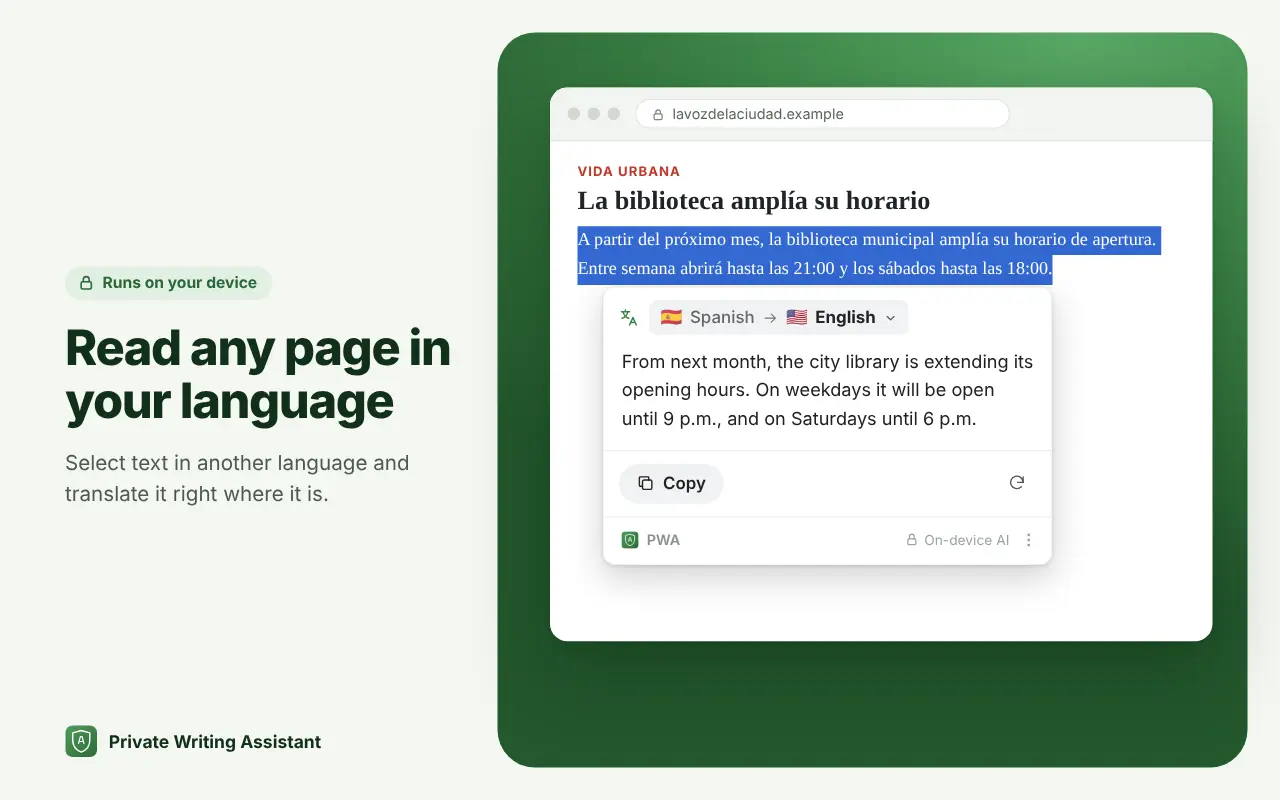
Translate
Read text in another language right where it is.
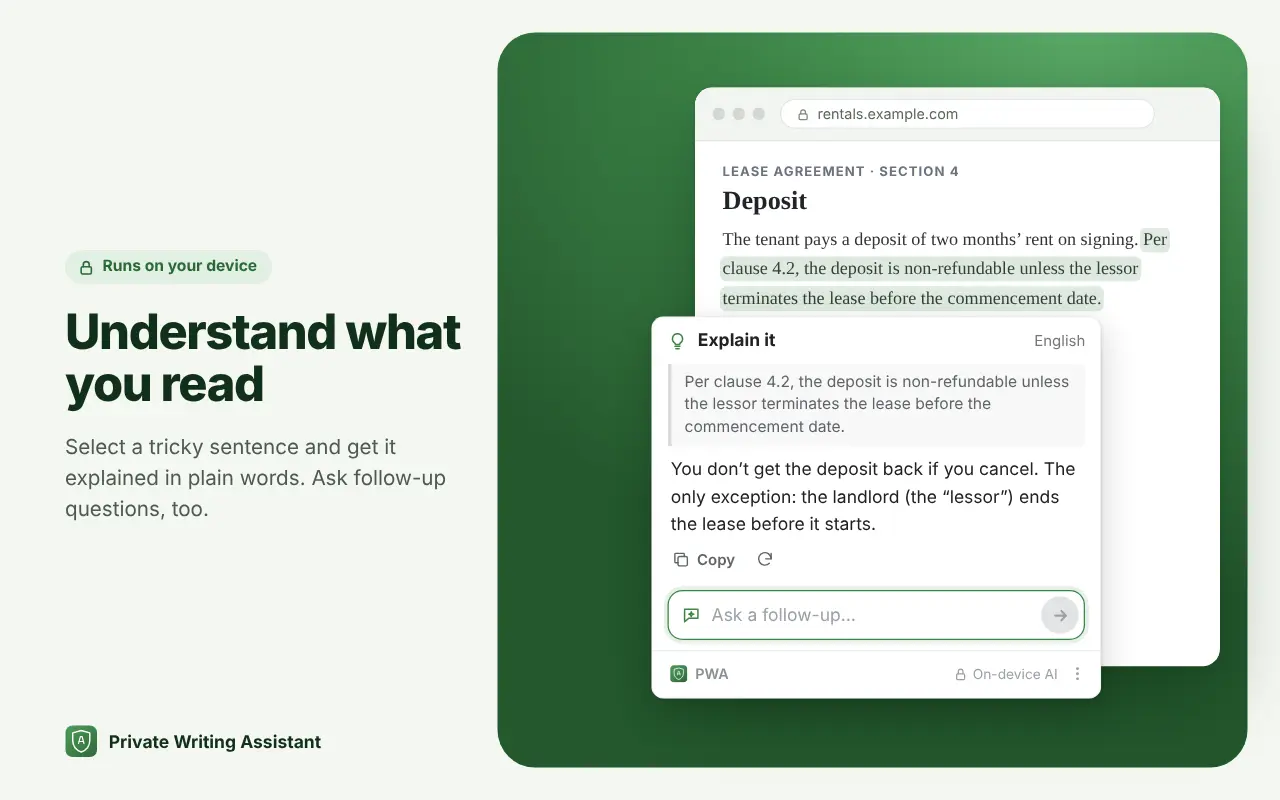
Explain it and Ask AI
Get a tricky sentence explained in plain words, or ask questions about any text.
Summarize
Turn a long article into a short paragraph or a few key points.
101 languages supported
It recognizes the language of every sentence, so you can mix languages in one message. Menus come in 50 languages.
Works where you write
Text boxes, email, chats, Google Docs and Google Slides, in Chrome on Windows, Mac, Linux and ChromeOS, and in Safari on a Mac.
Add to ChromeAdd to EdgeAdd to BraveAdd to OperaAdd to VivaldiDownload for MacGet it from Microsoft StoreNeeds Chrome 138 or newer on Windows, macOS, Linux or a Chromebook Plus, with 22 GB of free disk space and either a GPU with more than 4 GB of memory or 16 GB of RAM.The Mac app needs macOS 11 or newer, on Apple silicon or Intel, and downloads its AI model once (0.5 to 5 GB, depending on your Mac). The Windows app needs Windows 10 or newer on an x64 or ARM64 PC and downloads its AI model once (0.5 to 1.3 GB, depending on your PC).